HEIC to JPG,
at the size you pick.
Your iPhone saves photos as HEIC to keep them small. Plenty of websites, email clients, printers and older programs still want JPG. This converts them in a couple of taps, and lets you cap the file size while you are at it.
US$0.99 one time · No subscription · No ads · Nothing uploaded
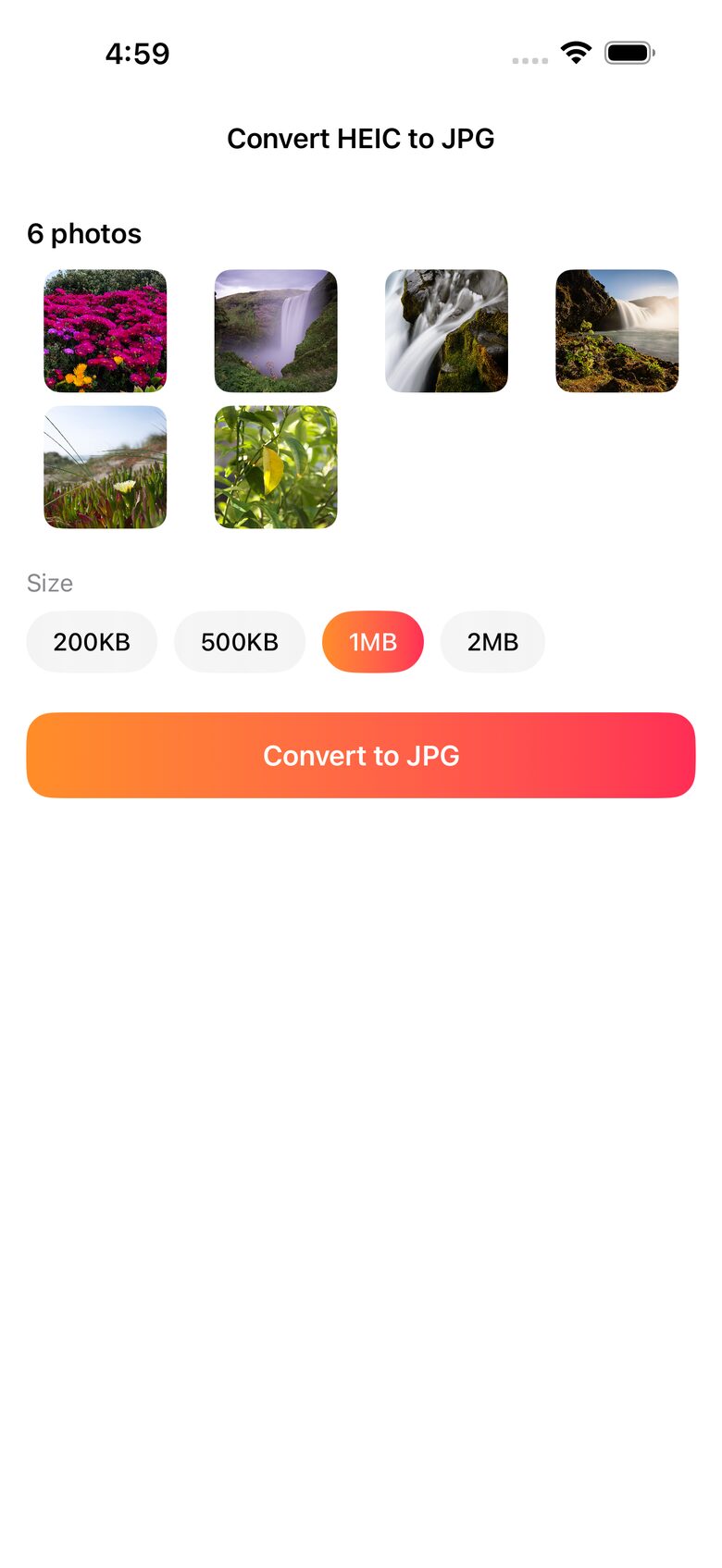
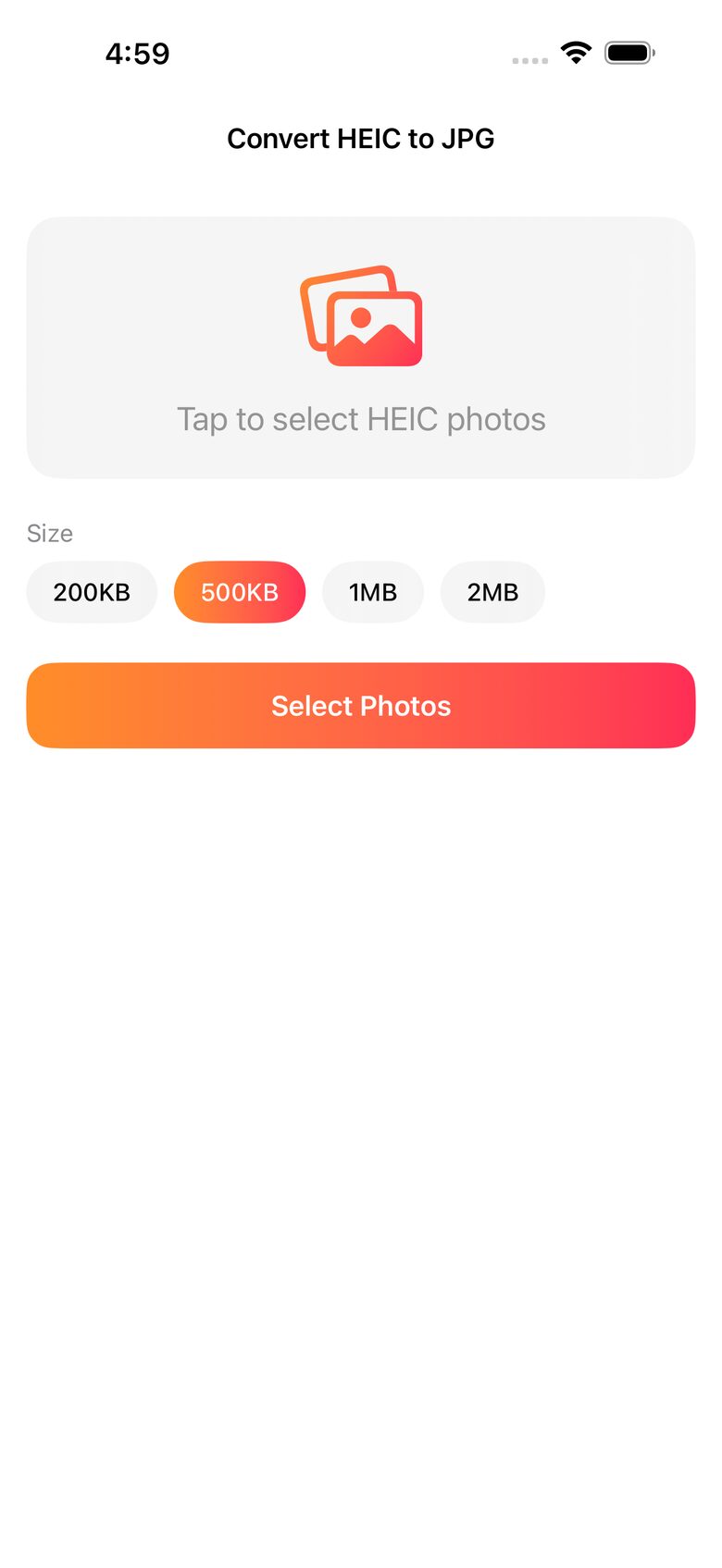
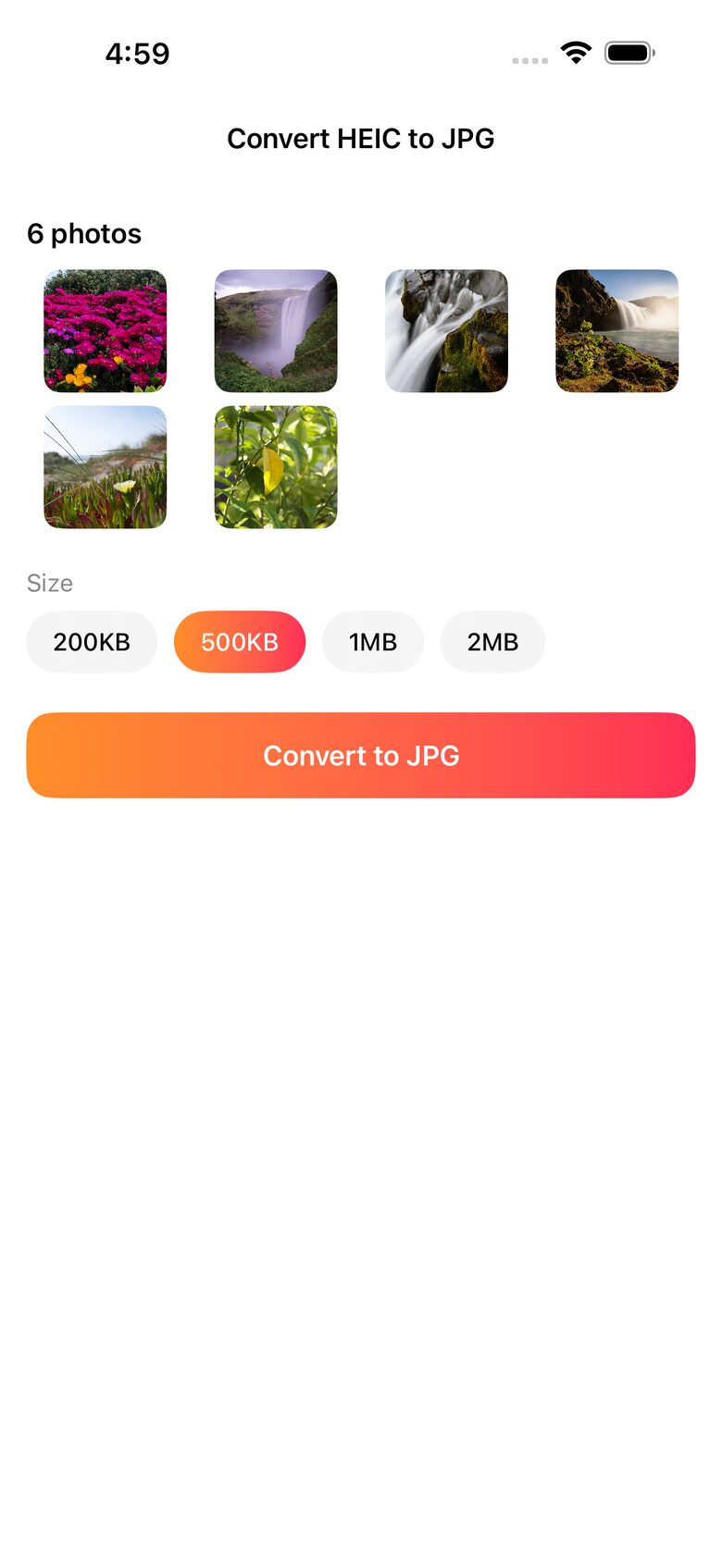
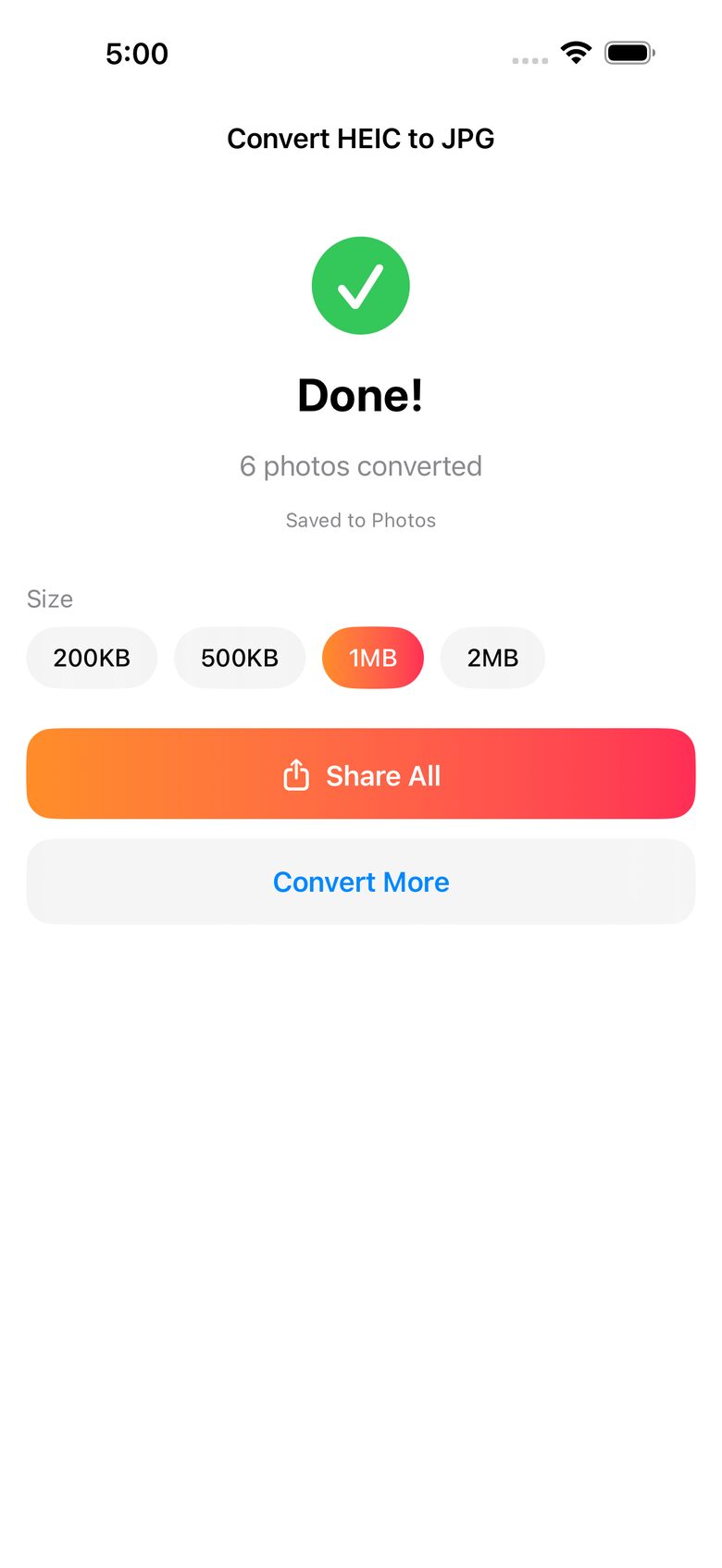
Three taps, then the files are in your library.
Tap Select Photos and pick as many as you like in the standard iOS picker.
200KB, 500KB, 1MB or 2MB. The app finds the highest JPEG quality that still fits under it.
Files save straight into your photo library as they finish. Share the whole batch at once if you need to.
The target is a ceiling, not an exact figure. Results land at or just under the number you chose, and a photo already smaller than the target is converted at full quality and left alone.
Select, size, convert, done.
A converter that never sees your photos.
There is no networking code in the app, so it works in airplane mode. Web converters need you to hand the original file to someone else's server first.
No sign in, no email, no profile. Install it and it works.
Only new JPG files are written. Your originals stay where they are until you decide to remove them.
Convert a whole selection in one pass rather than one file at a time.
Anything the iOS picker offers and your device can open, including HEIF, JPEG and PNG. Output is always JPG.
US$0.99 once. No subscription, no in-app purchases, no ads, no upsells.
Pick the limit that matches where the file is going.
| Target | Typical use |
|---|---|
| 200KB | Upload forms and older web portals with tight limits |
| 500KB | Email attachments and messaging without hitting a cap |
| 1MB | General sharing where quality still matters |
| 2MB | Printing and archiving where you want the detail kept |
HEIC, JPG, and what actually happens.
Why does my iPhone save photos as HEIC instead of JPG?
HEIC stores the same picture in roughly half the space of a JPG, so iOS uses it by default to save storage. The tradeoff is compatibility: many websites, email clients, printers and older programs still expect JPG.
Does converting upload my photos anywhere?
Not here. The app contains no networking code at all, so conversion runs on your device and works in airplane mode. A browser based converter has to receive your original file on its server before it can do anything.
Can I convert under a specific file size?
Yes, that is the point of the app. Choose 200KB, 500KB, 1MB or 2MB, and it searches for the highest JPEG quality that still fits under that ceiling.
Will it delete or change my originals?
No. Only new JPG files are written into your library. Delete the originals yourself once you have checked the results, if you want them gone.
Why is my file not exactly the size I picked?
The target is an upper limit, so results land at or under it. A photo already below the target is converted at full quality. A very large image can land slightly above when even the lowest quality setting cannot reach the ceiling.
What if a conversion fails?
The results screen says how many converted and warns you if some could not. The usual causes are a photo still downloading from iCloud, or photo access being switched off in Settings. Nothing is lost when a conversion fails.
Is there a subscription?
No. US$0.99 once, and that is the whole product. Full support notes.
iPhone and iPad, iOS 17 or later.
Available worldwide on the App Store. Questions go to [email protected] and get a reply within two business days.